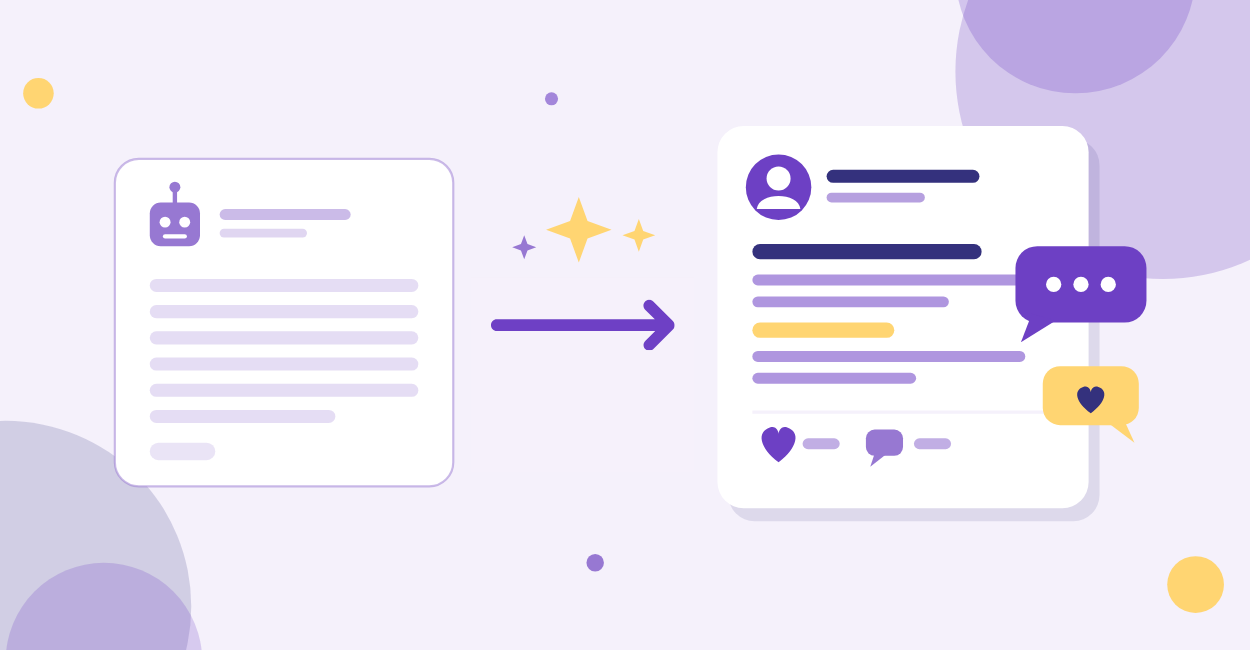
Does your AI content sound like it was written by a polite robot who has never met a real customer?
If it feels generic, it will convert generic.
The AI isn’t the problem. The instructions are.
Below are 7 fixes that make AI-generated content sound human, along with how evyAI builds each one into a repeatable workflow, so you don’t start from scratch every time.
Why Does AI-Generated Content Sound Generic?
AI-generated content sounds generic because AI follows instructions literally.
Vague prompts get safe, average output.
Without a clear reader, a point of view, real examples, and a final edit, the result is beige.
AI is not lazy. It is obedient.
If you give it vague prompts, it gives you safe, average output.
Most people are doing some version of: “Write a LinkedIn post about X.”
That is basically asking for beige.
What’s usually missing:
- A clear audience
- A point of view
- Specifics, examples, or numbers
- Lived experience
- Constraints, format, or voice rules
- An edit pass
How the content gets made matters less than whether it helps the reader.
The fixes below cover the gap between a generic draft and useful content.
Fix 1: Define One Reader, Not "Everyone"
Human writing has a target.
Generic writing tries to please the internet.
Before you generate anything, answer these questions:
- Who is this for, specifically?
- What do they already believe?
- What do they secretly worry about?
- What do they want next week, not “someday”?
- What is the simplest win you can give them?
PRO TIP: Write one sentence that starts with: “This is for the person who…”, pasted into the prompt, sharpens the whole draft.
How evyAI Helps Writers Target One Reader
In evyAI, a Persona represents the writer: who they are, what they do, and who they serve.
A Persona for Joe Apfelbaum, CEO of evyAI, would include his role, his expertise, and the professionals he writes for.
- An “I write for…” line in Personas means every draft in Post Writer starts aimed at the right reader
- You can create a version of yourself for each platform, such as a LinkedIn Posts Persona, a LinkedIn Comments Persona, and an Instagram Posts Persona, so the voice fits the channel
- When a post targets a narrower group than usual, the “This is for the person who…” sentence goes straight into Post Writer
If you are stuck on angles, the Idea Generator surfaces options to choose from.
The best picks are the ideas you can actually speak to.
Fix 2: Add the Backstory AI Can't Guess
AI does not know your client call from Tuesday.
It does not know what failed before you found what works.
So it fills the gap with generic advice.
Give it context like:
- Your role and what you do
- The situation that triggered the post
- What you tried first, and why it did not work
- What changed, and what happened next
- The exact mistake you see people making
This is how you make AI-generated content start to sound human.
You inject the “only you could say this” details.
How evyAI Keeps Context in Every Draft
In evyAI, you can bake context into repeatable assets.
- Put your background, offer, and beliefs into your Persona in Personas
- Put your voice rules into Styles
- Generate consistently inside Post Writer so the context carries over
If you have not built a real style guide yet, read Style Interview Setup: Build a 4,000-Character Voice Guide in 20 Minutes. It is the fastest way to stop sounding like everyone else.
Fix 3: Pick a Point of View and Defend It
Humans have opinions.
Generic AI posts try to be “balanced,” and that reads as empty.
Choose one stance:
- What do you believe that most people in your industry do not?
- What advice is popular, but wrong?
- What is the tradeoff nobody talks about?
- What would you say if you were not afraid of comments?
You do not need to be controversial. You just need to be clear.
How evyAI Keeps a Point of View Consistent
When your POV is saved, every draft gets sharper.
- Add your “beliefs” and “hot takes” to your Persona in Personas
- Create multiple Styles in Styles, for example: direct, story-driven, teachy, contrarian
- Use the same Persona plus different Styles to test what converts best
This is also why consistent daily publishing works.
Your audience learns your POV.
If you need a simple system, the method post is here: 1-5-10-20 method.
Fix 4: Swap Abstractions for Examples People Can Picture
“Provide value” is not helpful.
“Here are 3 comment starters you can copy-paste today” is helpful.
Run this quick test:
- Can someone visualize it in 3 seconds?
- Is there a specific scenario, person, or moment?
- Did you name the tool, template, or script?
- Did you include a before and after?
Examples make content feel human because people remember stories and scenes, not abstractions.
How evyAI Turns the Best Examples Into Building Blocks
Turn your best examples into reusable building blocks.
- Save repeatable scripts as templates in your Assets
- Use Post Writer to generate variations for different audiences and offers
- Build a library of “my best examples” and plug them into prompts as needed
For more copy-and-use examples, this post is gold: Copy-Paste: 12 Comment Starters That Sound Human and Turn Posts Into Real Conversations.
Fix 5: Tighten the Structure
Rambling reads like insecurity.
Structure reads like leadership.
Use one of these structures:
- Problem → Mistake → Fix → CTA
- Story → Lesson → Steps → CTA
- Myth → Truth → Proof → CTA
- Observation → Framework → Example → CTA
PRO TIP: Tell the AI: “Keep paragraphs to one sentence each. No fluff. No generic intro. Start with a punchy hook.”
How evyAI Helps With Structure
Structure becomes automatic when you stop starting from scratch.
- Create structure-first frameworks inside Templates
- Pair those Templates with your Persona and Style inside Post Writer
- Repurpose one idea into multiple structured posts, using different angles
If you want a simple repurposing rhythm, check out: LinkedIn Content Repurposing Workflow: 1 Idea to 10 Posts in 30 Minutes.
Fix 6: Add Conversion Triggers, Not Just Tips
“Good content” is not the goal.
Conversations are the goal.
Effective posts include:
- A clear next step
- A question that is easy to answer
- A specific invite, not a vague “let me know”
- A simple choice, like A or B
- A “DM me the word ____” call to action
Conversion isn’t about persuasion tricks. It’s clarity plus momentum.
How evyAI Helps Turn Posts Into Conversations
Conversion improves when you show up consistently and engage on purpose.
- Use the Networking tab to stay in relationship-building mode, not “post and pray” mode
- Write better follow-up comments and messages using your saved Personas and Styles
- Turn your best CTAs into Templates so you keep what works
If you want more engagement levers that actually work, read: 10 Proven Ways to Get More Post Engagement and Grow Your Professional Brand.
Fix 7: Do a Human Edit Pass Every Time
AI drafts. You decide.
The “human” comes from your final 3 minute edit.
The checklist:
- Delete the first sentence if it is generic
- Cut 20% of the words
- Add one real detail: a name, a number, a moment
- Replace buzzwords with plain language
- End with one clear question or next step
That edit pass is where your voice lives.
How evyAI Speeds Up the Edit Pass
The Real Win: You Stop Sounding Like Everybody Else
AI is not the problem.
“Generic instructions” are the problem.
When you:
- Define one reader
- Add real context
- Take a point of view
- Use specific examples
- Lock in structure
- Add conversion triggers
- Edit like a human
You do not just write better posts.
You build trust faster, and trust converts.
The next step: The evyAI web app is the place to set up a Persona and one Style, then run the next draft through these 7 fixes.
Try out evyAI for FREE by downloading the Chrome extension, and when you are ready, upgrade to Premium or Pro for unlimited posts, comments, and more.